Match PioneerSTV to the screen you already use
A good streaming decision starts with the device, not the largest catalog number. Write down the television or streaming-box model, operating system, available app store, connection type, and number of screens that may play at the same time. That small inventory separates subscription questions from player and hardware questions. A compatible app may be free, ad-supported, or sold under a separate license, so its price and terms should be checked before activation.
For a fixed living-room television, Ethernet is the cleanest first test because it removes wireless interference from the comparison. When a cable is impractical, use current Wi-Fi near the router and test during the evening hours when the household normally streams. An excellent phone result on cellular data does not prove that an older television on crowded Wi-Fi will behave the same way.
Confirm important channels and features before ordering
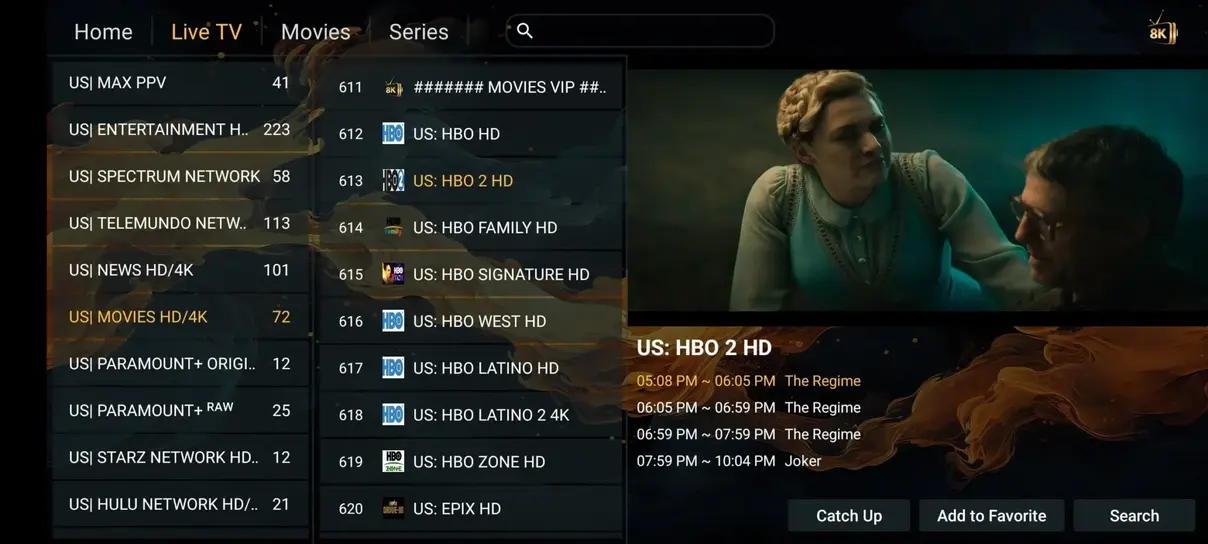
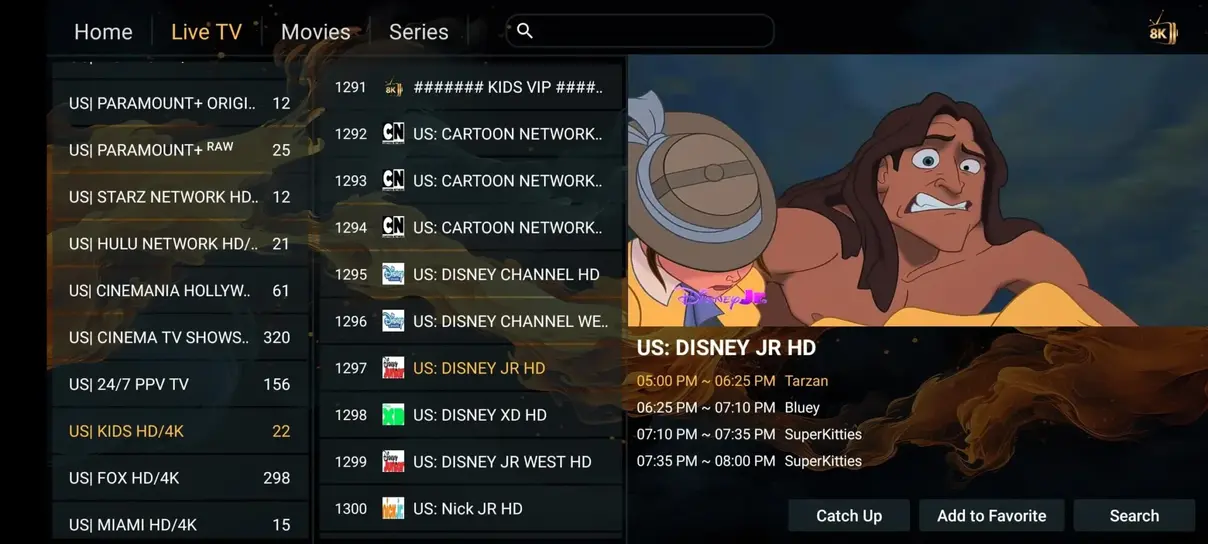
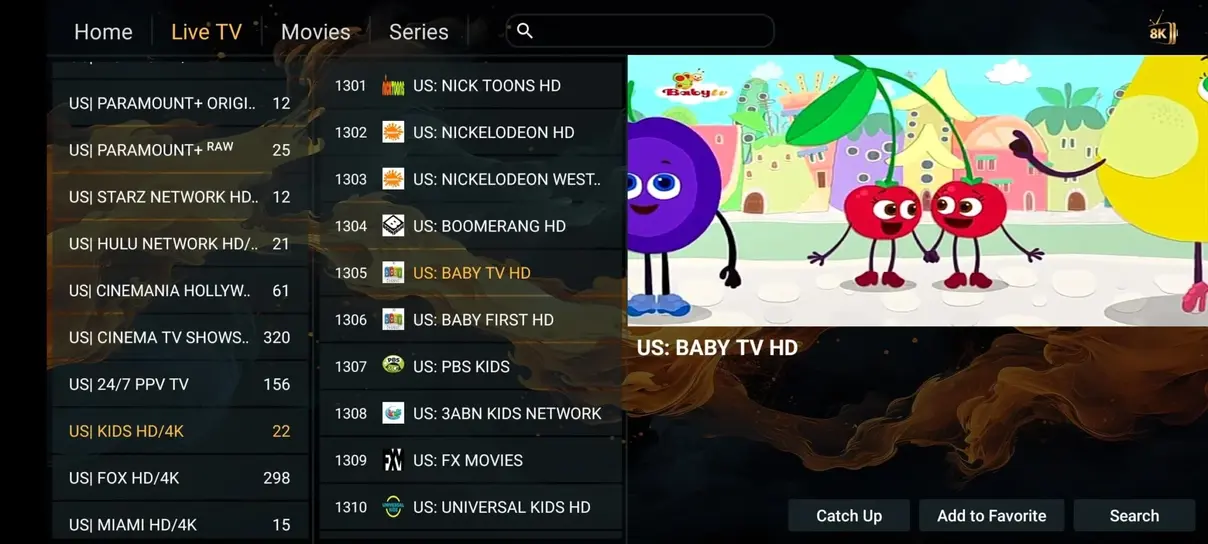
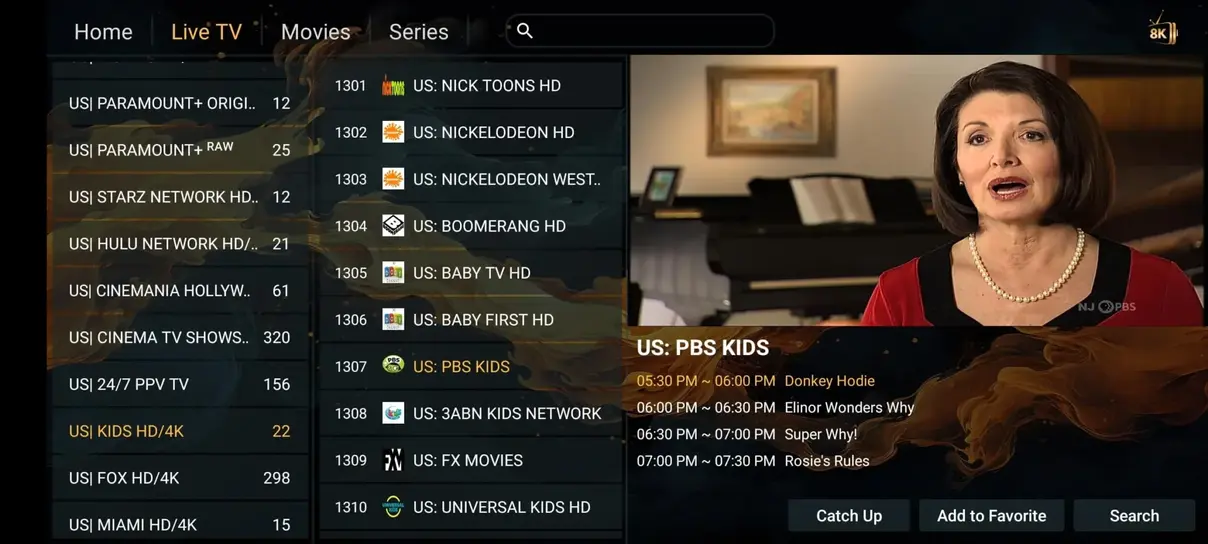
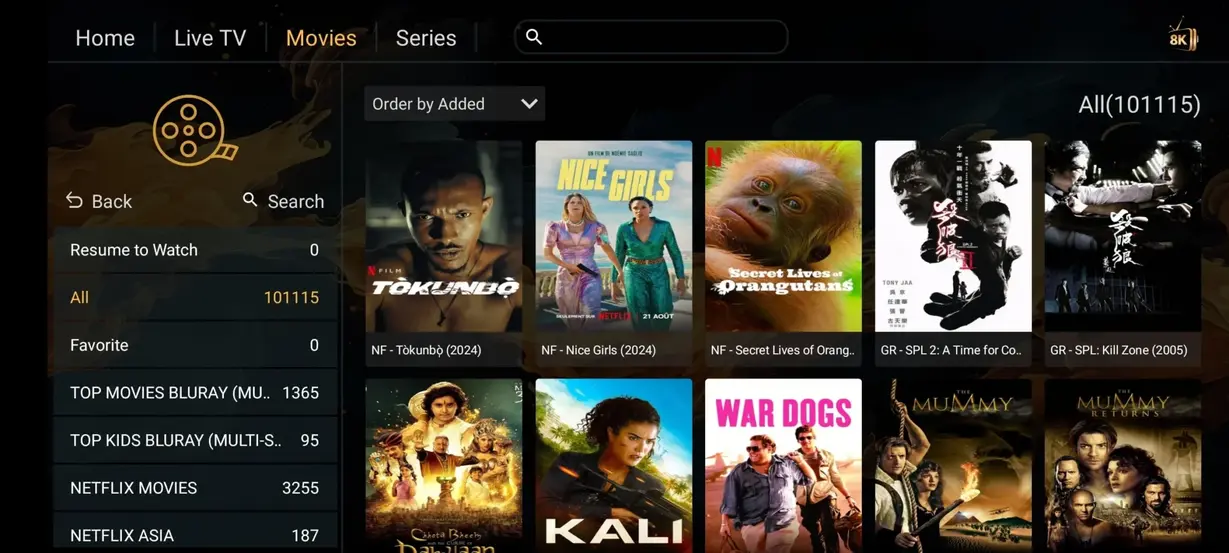
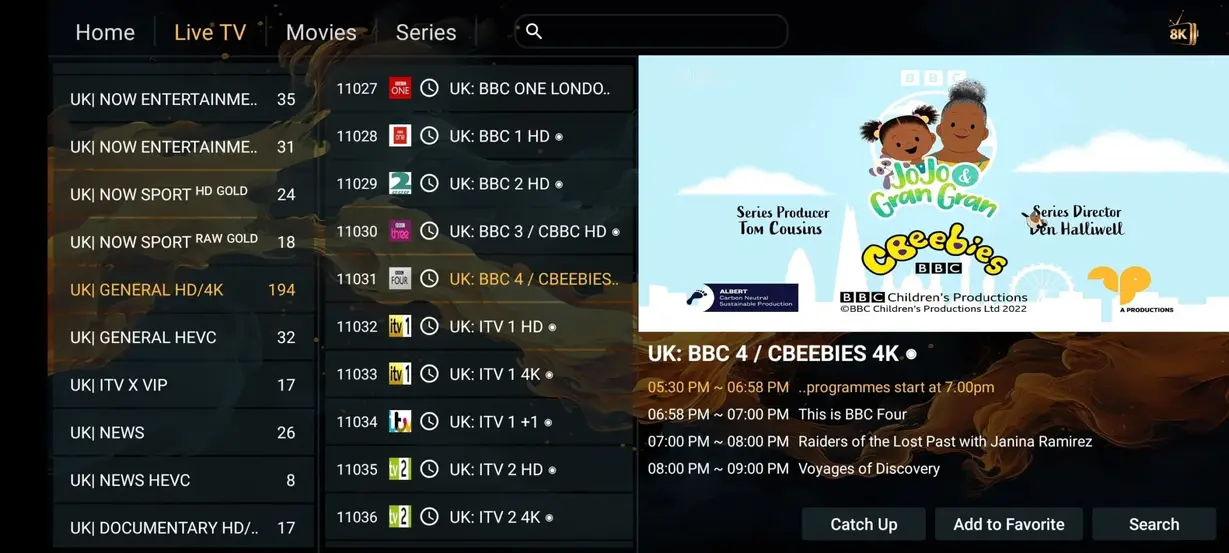
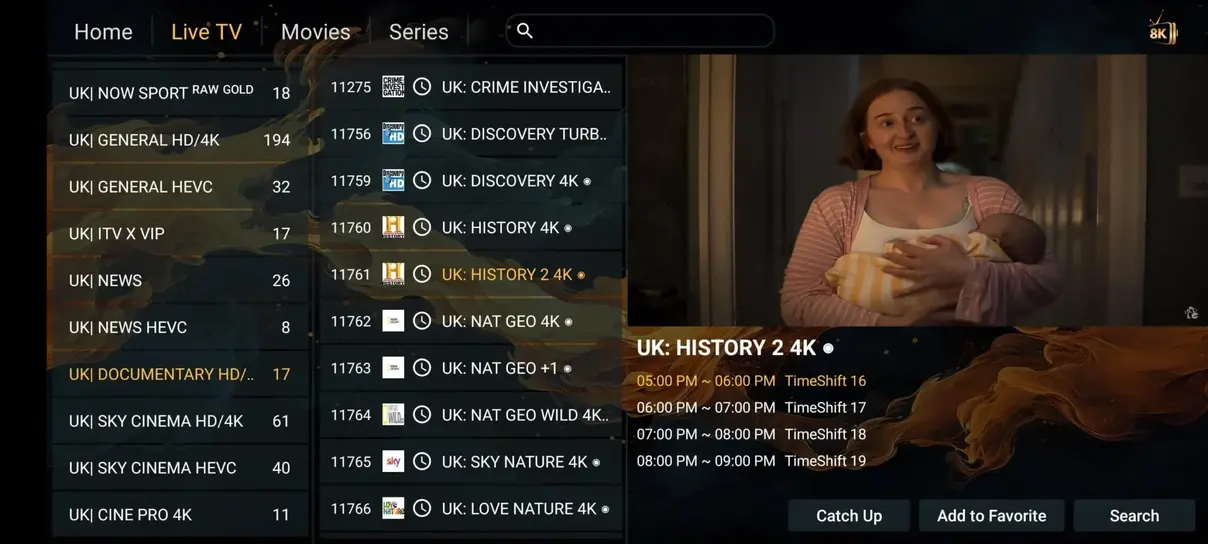
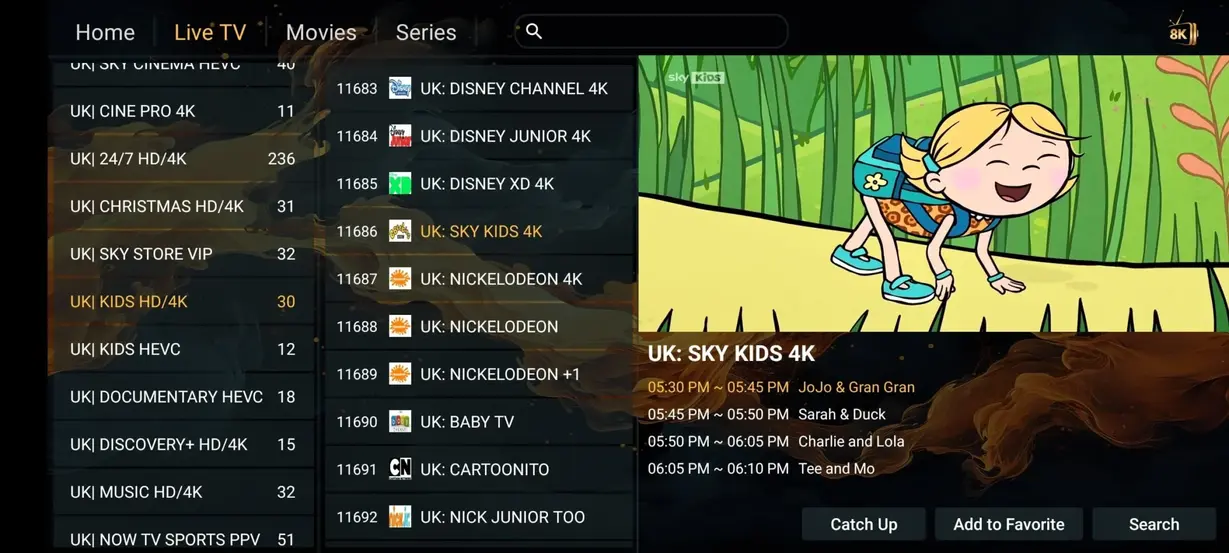
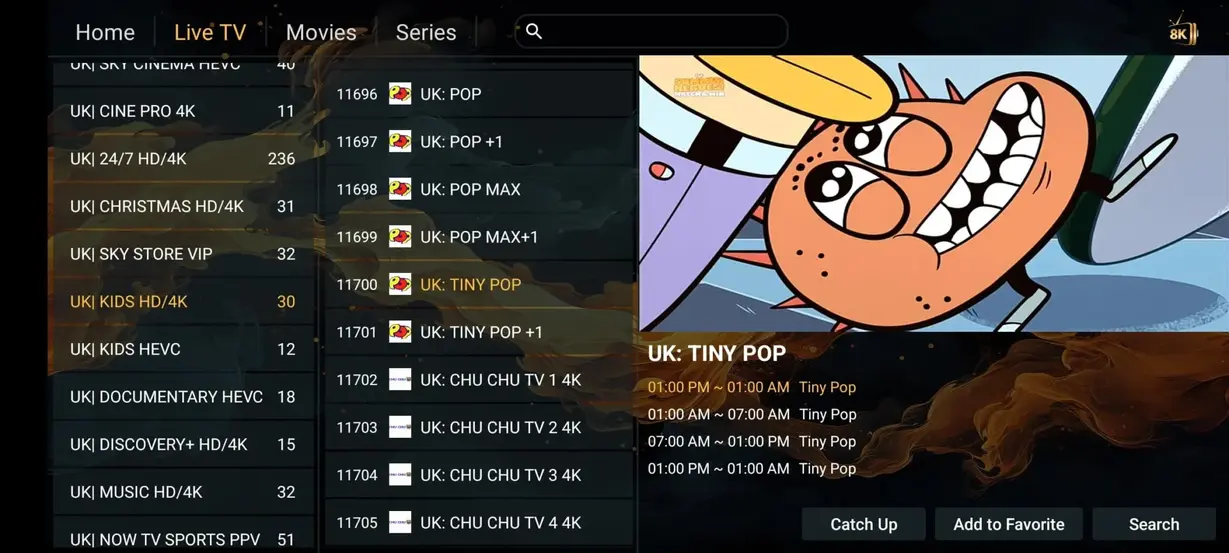
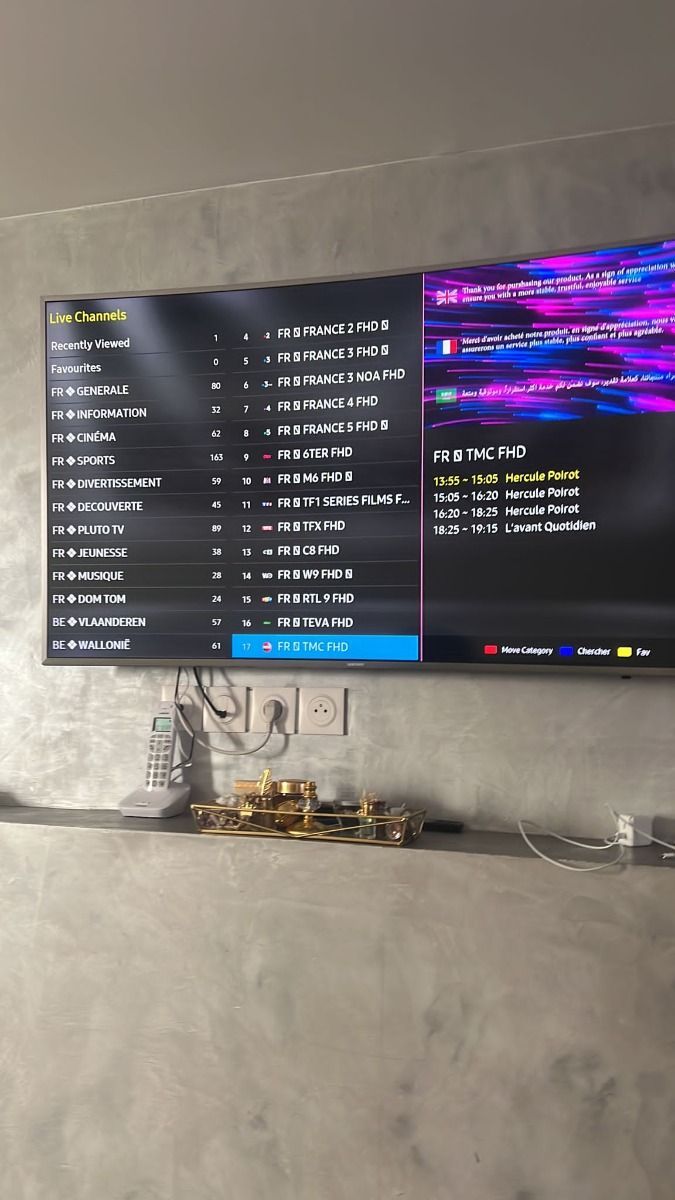
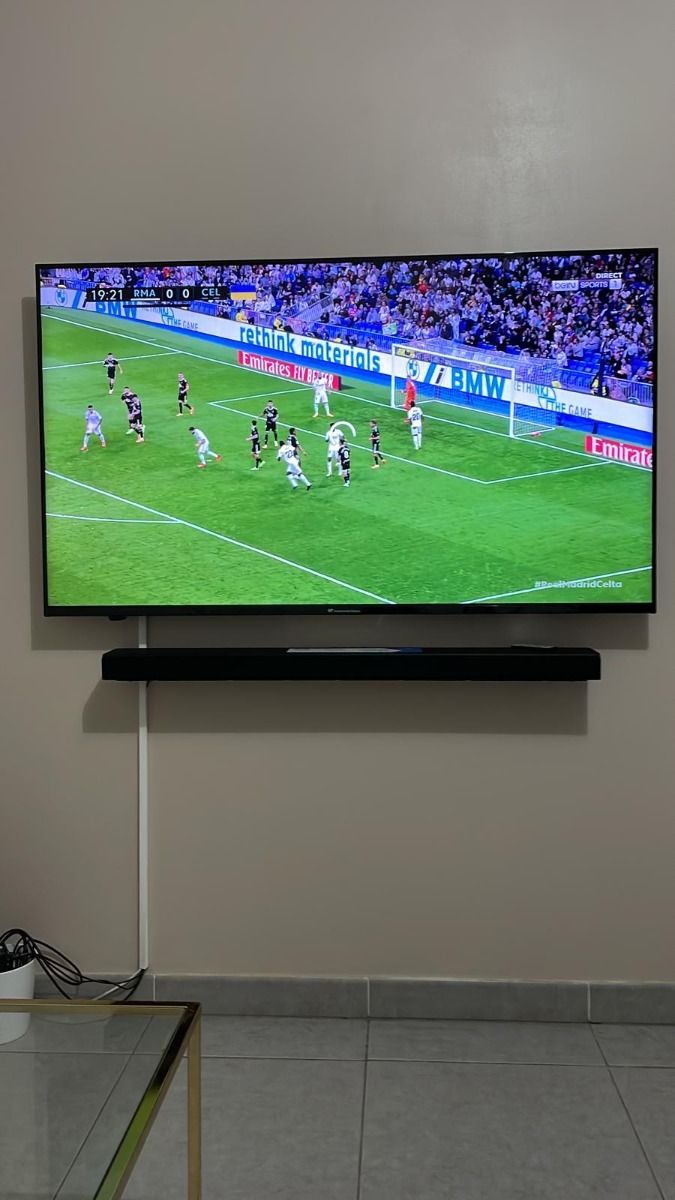
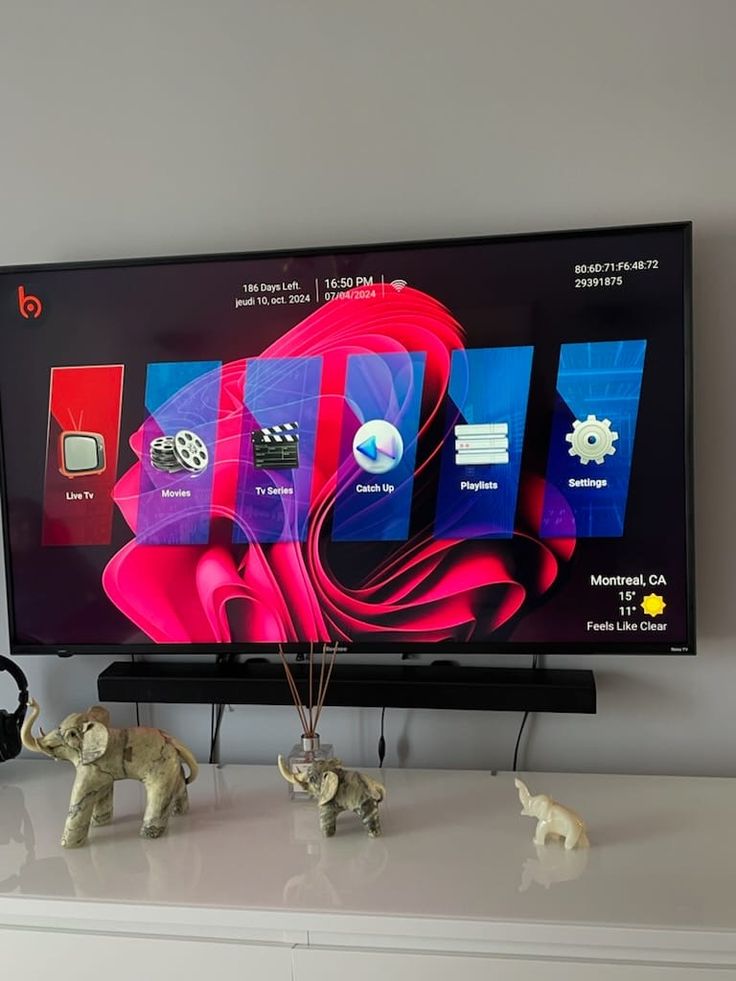
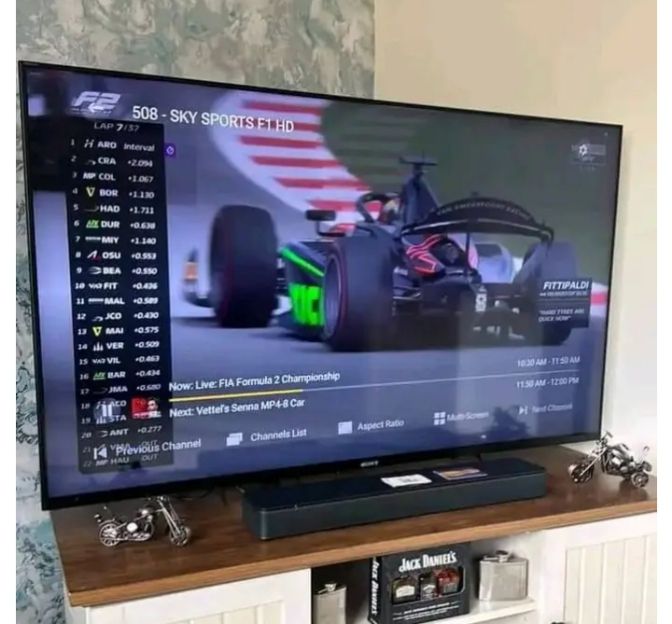
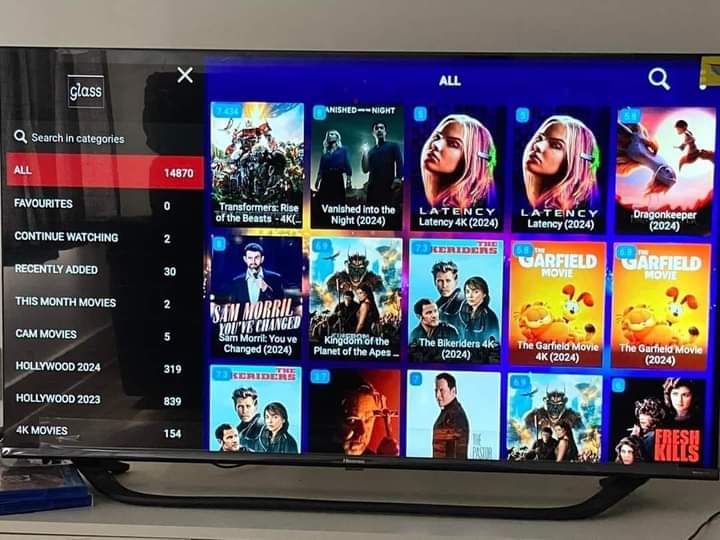
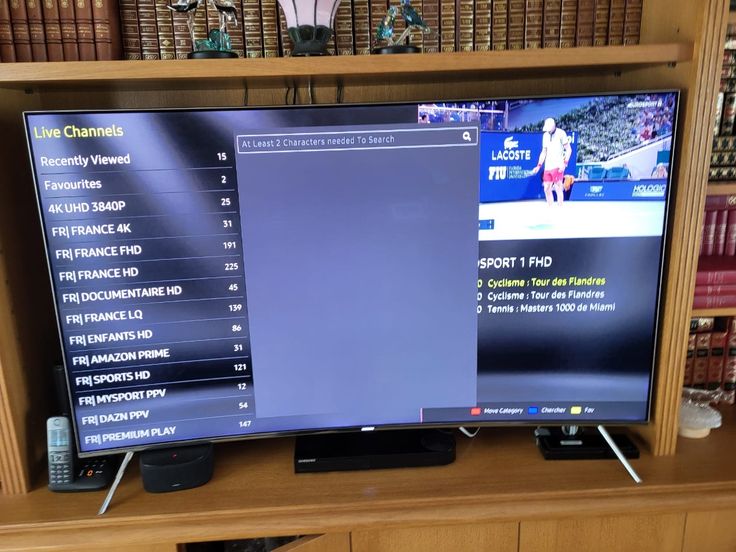
PioneerSTV organizes live television, sports, movies, series, international groups, selected replay options, and guide information, but catalog details can evolve. If one network, language, event, subtitle track, or replay window is essential, name it in the WhatsApp conversation before choosing a longer term. A direct answer tied to a date and device is more useful than assuming a broad category label permanently covers every feed.
Use the same care with screen count. Installing an app on several personal devices is different from playing several streams simultaneously. One active connection suits a single viewer at a time, while a two-screen or custom multi-screen plan is designed for overlapping household use. Count the busiest viewing hour rather than every device stored in a drawer.
Keep the PioneerSTV setup private and responsible
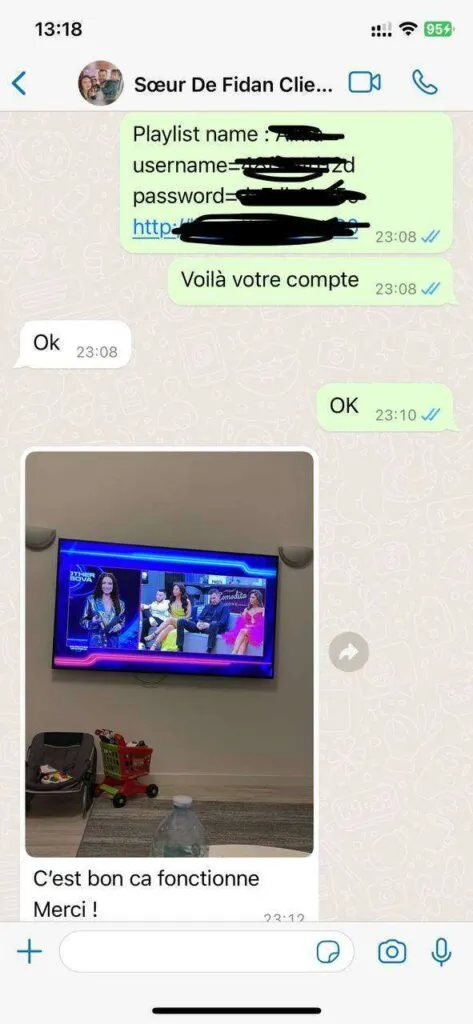
An M3U URL, portal address, Xtream Codes login, username, password, or QR code can provide access to the account. Treat each item like a password: enter it only in a trusted player, store it securely, and remove it from screenshots before requesting help. Support can diagnose most problems from the device model, player name, connection type, exact error, affected category, and steps already tried.
IPTV is a delivery technology; lawful use still depends on content rights, contracts, and the rules that apply where you live. A VPN may change privacy or routing, but it does not create content rights or guarantee better performance. Review the legality, safety, privacy, refund, and disclaimer pages, use parental controls where appropriate, and ask a qualified professional when a legal question affects an important decision.
Use support as part of the plan, not a last resort
Before payment, a short WhatsApp conversation can confirm whether the selected term, screen count, device, and priority categories make sense together. Ask for the amount in US dollars and the exact duration in writing. If the television requires a separately licensed player, include that cost in the comparison. This habit protects the buyer from mixing a subscription fee with an app-store purchase or assuming that a two-screen household is covered by a one-screen connection.
After activation, keep the order conversation and record the first working setup. If playback later changes, test a familiar category on the same device and connection before clearing the player. Share the time, error, and safe diagnostic details with support, then follow one instruction at a time. A known baseline makes it easier to distinguish an account question from Wi-Fi congestion, an app update, guide refresh, or device limitation.
What customer support can I expect?+
For day-to-day help, the support team is available for 16 hours each day through WhatsApp. Include your device model, player name, and the exact issue so the team can respond efficiently in English.
How do support and payment work?+
Before completing an order, start a WhatsApp chat, name the plan and number of screens you want, and ask for the current payment instructions. Review the duration, device count, policies, and order summary before paying.
Which devices can I use with PioneerSTV?+
For a typical US home, compatible options include many Samsung, LG, and Sony smart TVs, Amazon Fire TV devices, Android TV boxes, iPhone, iPad, Apple TV, Windows, Mac, phones, and tablets with a suitable IPTV player.
What channel and on-demand categories are available?+
Across the organized catalog, the catalog is organized into live television, sports, movies, series, international groups, and selected replay categories. Lineups can change, so ask support about a must-have network before ordering.
What internet speed is recommended?+
For a stable household setup, allow at least 10 Mbps for one HD stream and 25 Mbps or more for 4K. Ethernet is the preferred connection for a fixed television, while strong modern Wi-Fi can work well for mobile screens.
Do I need a VPN for IPTV?+
When privacy or routing is a concern, a VPN is not automatically required. Some viewers choose one for privacy or network-routing reasons. Use a reputable provider and follow the laws, content rights, and service terms that apply in your location.
Can I use the subscription while traveling?+
When preparing for a trip, access can work wherever you have a compatible device and stable internet connection. App availability, local rules, and network restrictions may differ, so prepare and test the device before a trip.